MD Viewer OCR Translate Word Reminder Focus One Thing Web Clipper Highlight & Note Dual Subtitle FloatPiP FloatScroll






Floating short videos

Scroll while you work.

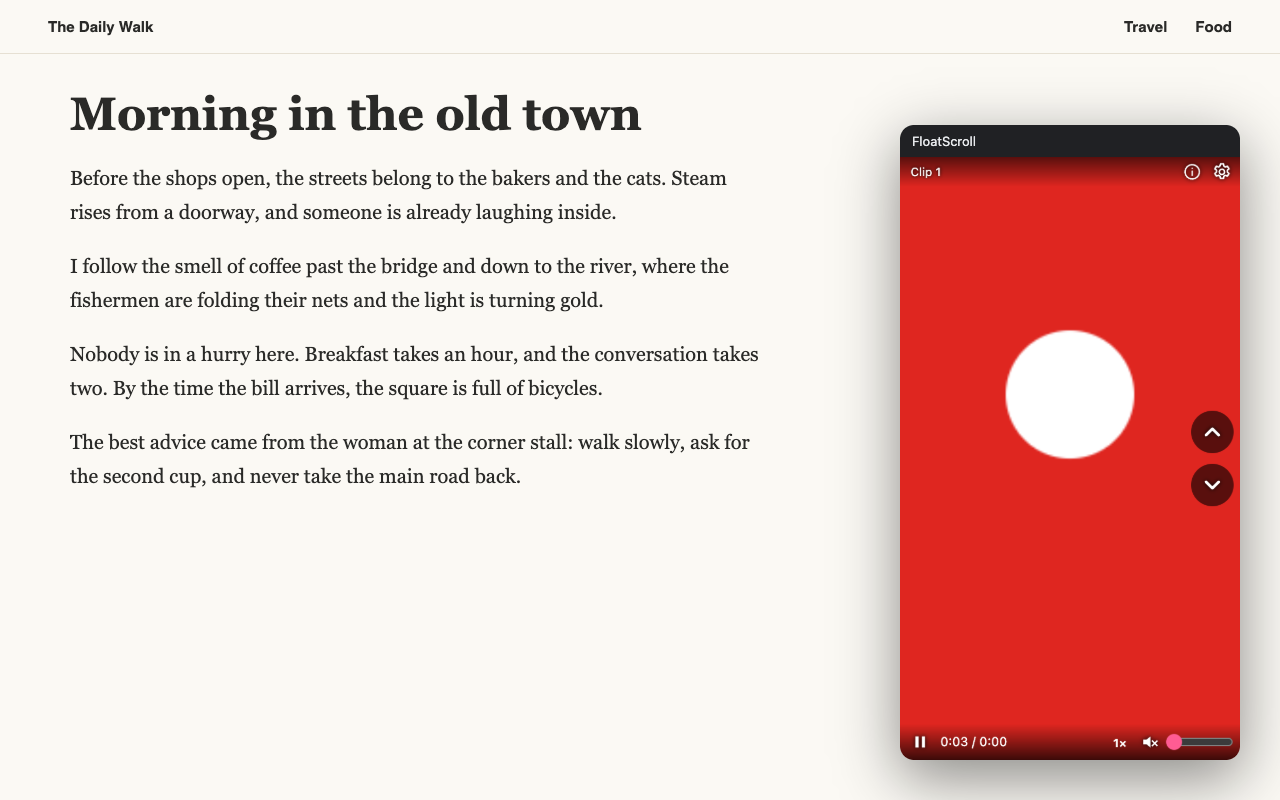
Short videos from YouTube Shorts, TikTok, Facebook Reels and Instagram Reels, in a small window that stays on top.

example.com/article
FloatScroll

Everything you need.

Nothing you don’t.

Always on top

Stays visible when you switch tabs or apps.

Scroll your way

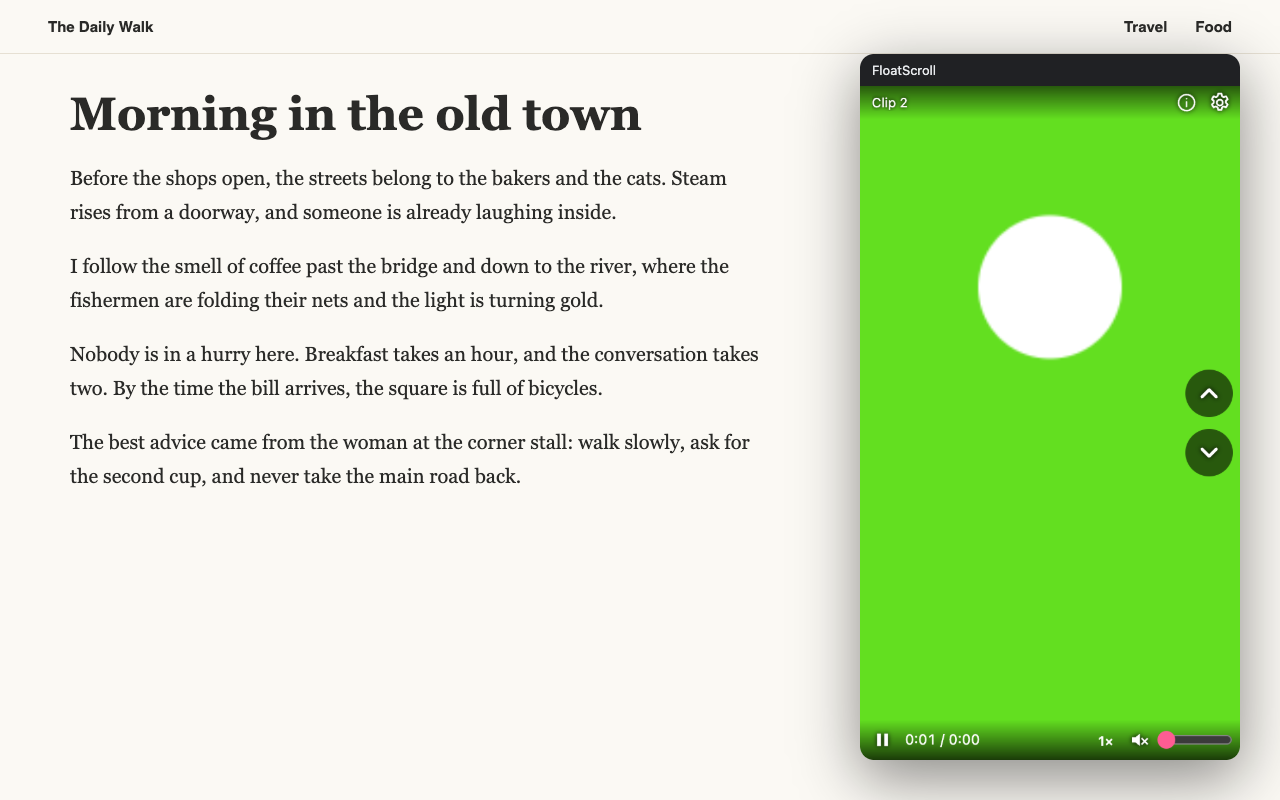
Mouse wheel, arrow buttons or keys. One gesture, one video.

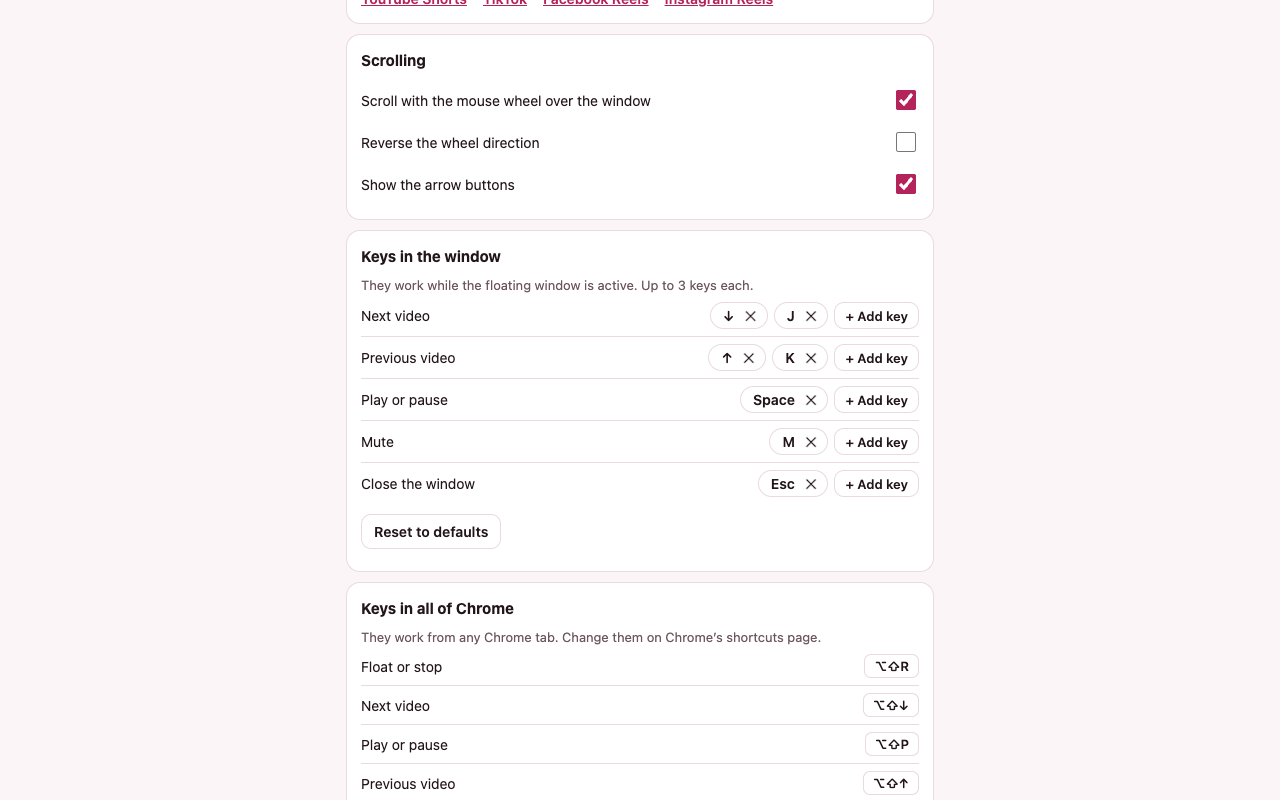
Your own keys

Change every key, with a warning for duplicates.

One click

The toolbar icon starts and stops it.

Light on the page

The picture is shown in the window; the site stays as it is.

Private

No account, no tracking. Videos are not downloaded.

Scroll your way

Mouse wheel, arrow buttons or keys. One gesture, one video.

Scroll your way

Get started in a minute.

A few short steps.

  1. 1

    Install FloatScroll

    1. Open FloatScroll on the Chrome Web Store.
    2. Click Add to Chrome.
    3. In the dialog, click Add extension.
    Add “FloatScroll”?
    CancelAdd extension
  2. 2

    Pin it to the toolbar

    1. Click the puzzle-piece icon at the top-right of Chrome.
    2. Find FloatScroll and click the pin.
    example.com
    Extensions
    FloatScroll
  3. 3

    Open a YouTube Shorts, TikTok, Facebook Reels or Instagram Reels video

    If you just installed the extension, reload that tab once.

  4. 4

    Click the extension icon, or press Alt+Shift+R

  5. 5

    Scroll over the window, use the arrow buttons, or press the down and up keys

    Scroll over the window, use the arrow buttons, or press the down and up keys.
  6. 6

    Change keys and scrolling in Settings from the gear

    Change keys and scrolling in Settings from the gear.
  7. 7

    Click the icon again, or close the window, to stop

    Keep the video tab open.

Keyboard shortcuts.

↓ / J

Next video

↑ / K

Previous video

Alt + Shift + R

Float or stop

Questions? Answers.

Why did the window close?

It belongs to the video tab. Closing or reloading that tab closes it.

Does it block ads or download videos?

No. Ads play as usual and nothing is downloaded.

A site changed and Next does not work?

Scroll once in the tab, or tell us. Sites change often.

Is it made by YouTube, TikTok, Facebook or Instagram?

No. It is independent and not affiliated with them.